
Apps · Web Development · Product Strategy · 2026
App vs responsive web: a decision guide for 2026
The right channel depends less on prestige than on repeat behavior, acquisition, device capabilities, connectivity, and the team's ability to maintain releases. This 2026 guide compares responsive web, progressive web apps, cross-platform apps, and native development with practical cost and risk signals.
By Md. Sadnan Hossen Shafin · Updated 2026-10-20 · 16 min read
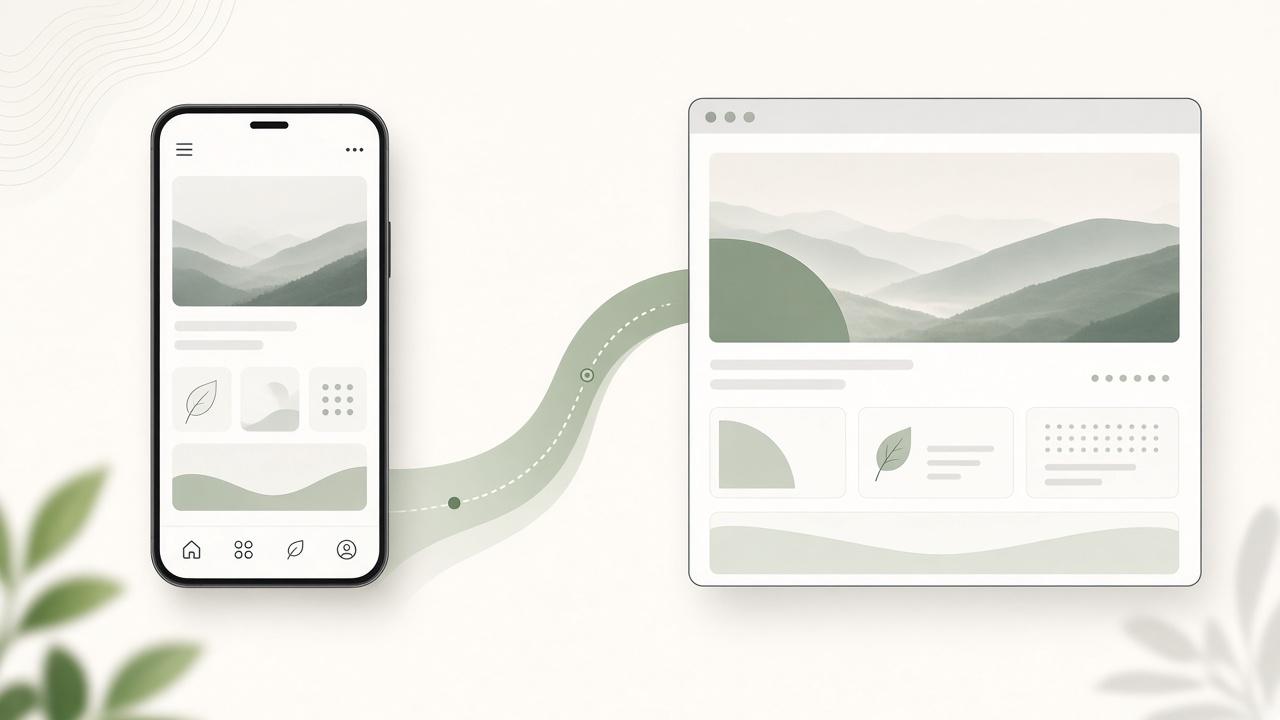
Build responsive web when people arrive through search, links, campaigns, or occasional need and should start immediately. Build an app when the same users return frequently and gain substantial value from offline access, camera, location, biometrics, background processing, push notifications, or a focused mobile workflow. When evidence is weak, web first is usually the responsible default.
In 2026, modern web experiences can be fast and application-like, while cross-platform frameworks can deliver capable apps with shared product code. The technical gap has narrowed; the distribution and operating gap has not. An app still asks for installation, permissions, storage, updates, and a place on a crowded home screen.
Start with the user's repeated behavior
- How often does the same person perform the task?
- Does it happen in the field, in motion, or with unreliable connectivity?
- Which device capabilities improve the result rather than merely decorate it?
- Will users accept installation, permissions, and account setup before value?
- Does search, link sharing, or campaign landing traffic drive acquisition?
- Can the organization support multiple platforms and release channels?
Responsive web wins on reach and immediacy
A URL opens without installation, works across devices, can be indexed, and can be shared into any conversation. That makes responsive web a strong fit for marketing, publishing, public tools, professional services, many customer portals, event information, applications, and transactions people complete infrequently.
Web first does not mean desktop shrunk smaller
A strong responsive experience prioritizes mobile tasks, touch targets, input types, network conditions, content order, and accessible states. It avoids giant downloads and hover-dependent controls. For authenticated products, it also handles session expiry, saved progress, errors, and keyboard behavior with the care normally associated with apps.
An app must earn installation
Apps are strongest when they support a habit or operational workflow: field inspections, secure financial actions, route work, health tracking, messaging, community participation, loyalty, or media used every day. The app should make an important task noticeably faster, more reliable, safer, or more personal than the web version.
- Offline queues let field teams keep working without coverage.
- Camera and scanning remove manual data entry.
- Biometric access reduces friction for frequent secure sessions.
- Location and background activity support a core service with clear consent.
- Timely notifications prevent missed actions rather than manufacture engagement.
- Home-screen presence supports a behavior that already repeats.
Native, cross-platform, PWA, or responsive web?
Native development provides the deepest platform integration and the most direct access to new operating-system capabilities, but requires platform expertise and often more duplicated effort. Cross-platform frameworks are a strong default for many business applications, provided critical plugins and performance are tested. A PWA extends web distribution with selected install and offline behavior, but capability parity remains uneven.
Choose native for a demonstrated technical reason
High-performance graphics, sophisticated audio or video, deep Bluetooth behavior, intensive background processing, or immediate access to platform APIs can justify native builds. Brand ambition alone does not. Prototype the hardest capability on representative low- and mid-range devices before making architecture a promise.
Count the full product, not only the interface
- Backend APIs, administration, authentication, permissions, and data migration.
- Product design, accessibility, analytics, consent, and support tooling.
- Device laboratories, automated testing, crash reporting, and observability.
- Store accounts, listings, screenshots, reviews, signing, and policy changes.
- OS compatibility, dependency updates, phased releases, and rollback plans.
- Customer support for permissions, old devices, failed updates, and account recovery.
Use a staged decision process
- Observe users where the task occurs, including network and environmental constraints.
- Map acquisition, first value, repeat value, and re-engagement separately.
- Prototype the critical mobile journey before selecting architecture.
- Test required hardware, offline, and background capabilities on target devices.
- Estimate build and two-year operating cost for credible options.
- Choose the lightest model that satisfies proven requirements.
- Define behavioral evidence that would justify the next channel investment.
Many teams should begin with a responsive site or web application backed by a clean API and shared design language. Once analytics and interviews reveal frequent mobile behavior, they can build an app around the most valuable repeated journey. The website remains the acquisition and account surface while the app becomes the high-frequency tool.
Do not build one when usage is annual, the only argument is brand perception, the website is currently poor, or the organization cannot maintain security and compatibility updates. Do not use an app to hide an unclear service proposition. Fix the responsive journey and validate repeat demand before adding another channel.
The right decision reduces friction for customers and creates an operating model the organization can sustain. Sometimes that is an app with deep device behavior; often it is an excellent URL that opens instantly. Choose based on evidence of use, then invest enough to make the selected channel genuinely dependable.